Introduction
These terms and conditions ("Terms") govern your use of the Kanodo website hosted at https://kanodo.app and the Kanodo application ("App") available through the Mac App Store.
By using this website or App, you agree to these Terms.
App Store Purchases
The Kanodo App is available through the Mac App Store. All purchases and in-app purchases are subject to Apple's Licensed Application End User License Agreement and Apple's Terms of Service. In the event of any conflict between these Terms and Apple's terms, Apple's terms prevail.
The Kanodo Service
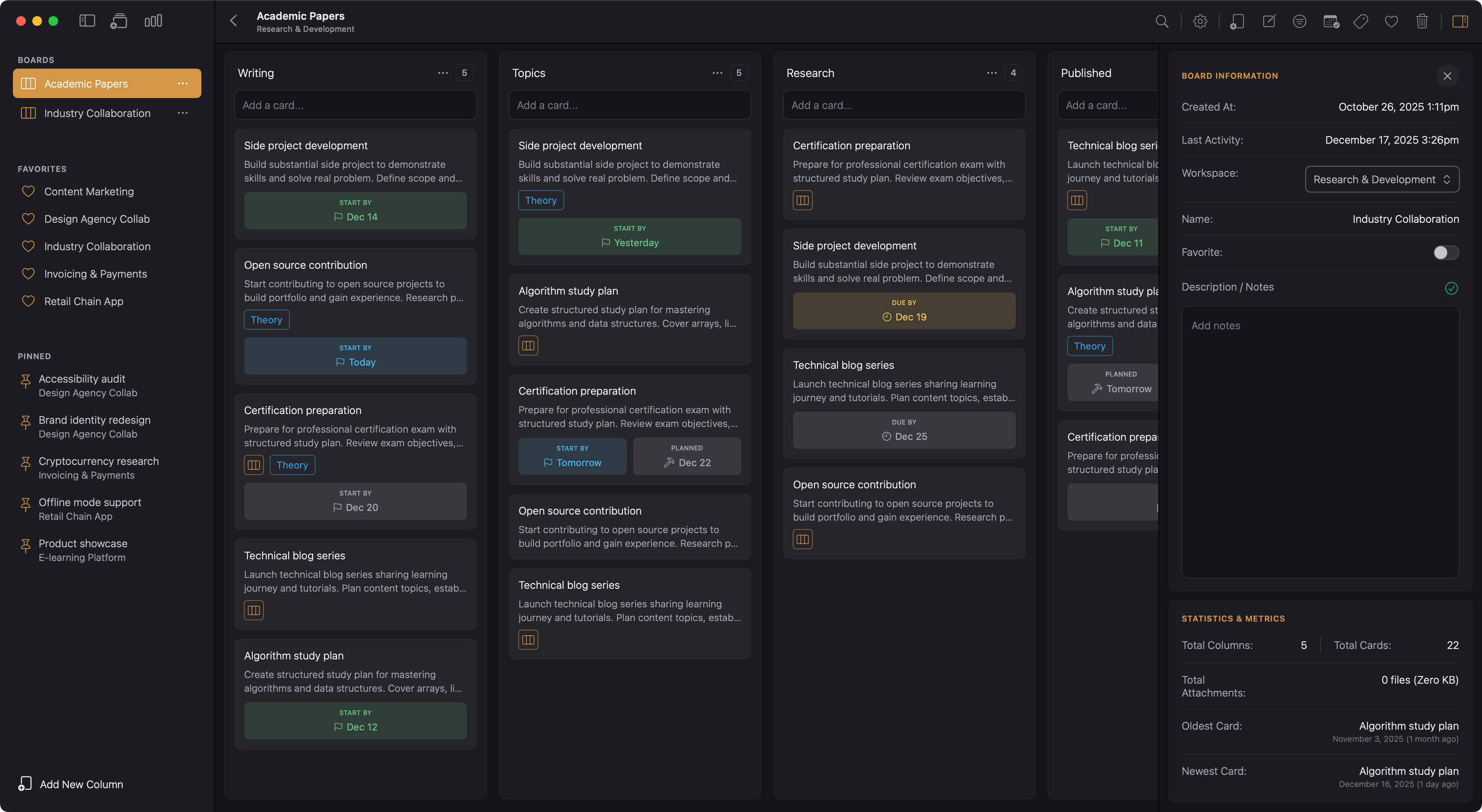
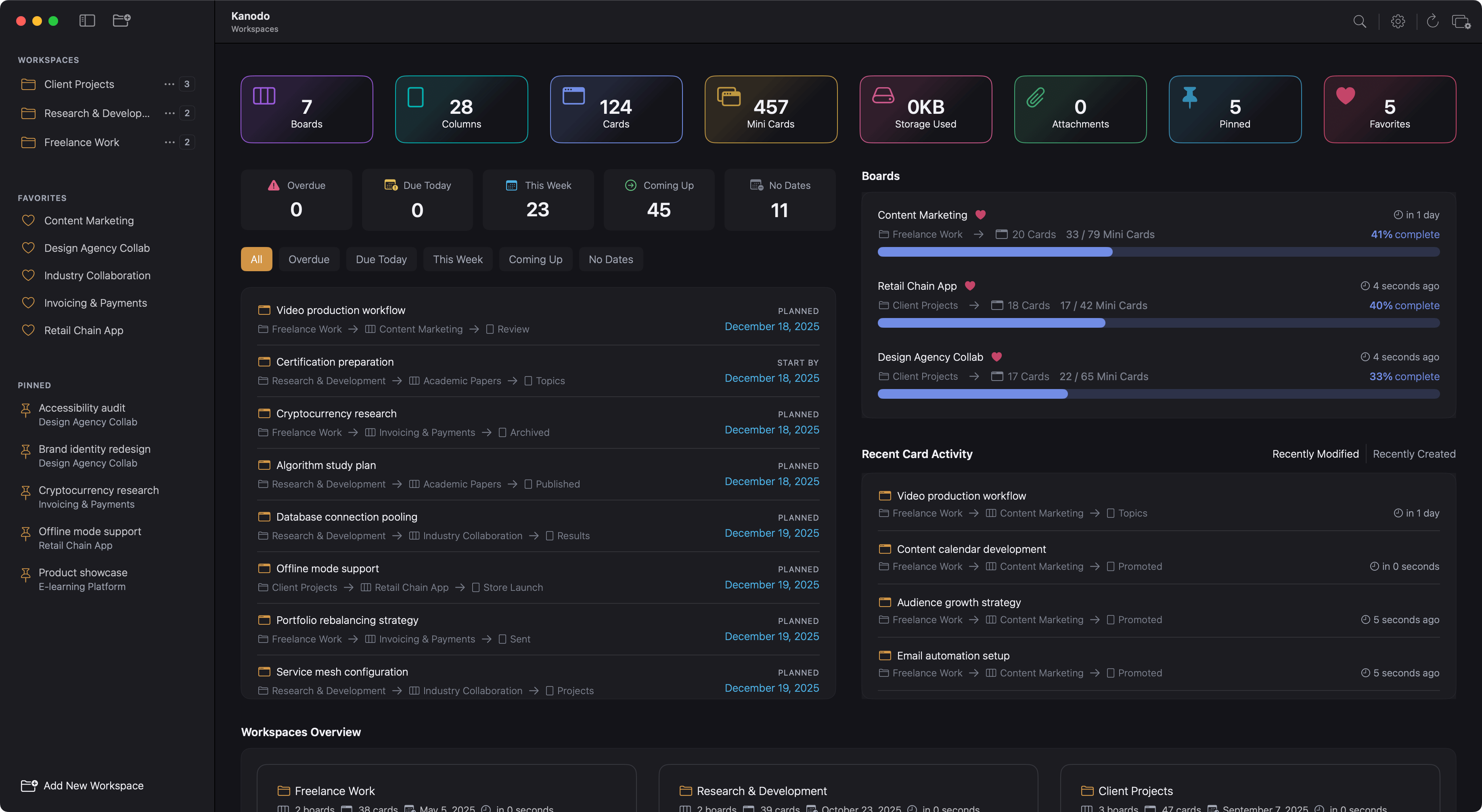
Kanodo is a kanban-style task management application for macOS that:
- Provides visual project management using boards, columns, and cards
- Supports nested mini-boards within cards for complex task breakdown
- Opens cards in separate windows for multi-tasking
- Stores all data locally on your Mac
- Requires no internet connection to function
- Offers optional iCloud storage for file attachments
Basic Features
The basic version includes:
- One workspace
- Two boards
- Three columns per board
- 100 cards total
- Five labels per board
- Five attachments per card
- Two mini-columns per card
- Ten mini-cards total
- Five checklist items per mini-card
- All features including dashboards, filtering, search, and calendar export
Pro Features
Kanodo Pro (one-time purchase) unlocks:
- Unlimited workspaces
- Unlimited boards
- Unlimited columns per board
- Unlimited cards
- Unlimited labels per board
- Unlimited attachments per card
- Unlimited mini-columns per card
- Unlimited mini-cards
- Unlimited checklist items per mini-card
Apple App Store End-User License Agreement
The following terms apply specifically to your use of the Kanodo App downloaded from the Apple Mac App Store. These terms are required by Apple and supplement the general terms above.
Acknowledgement
You acknowledge that this End-User License Agreement ("EULA") is between you and CodelDev only, and not with Apple Inc. ("Apple"). CodelDev, not Apple, is solely responsible for the Kanodo App and its content. This EULA does not provide usage rules that conflict with the Apple Media Services Terms and Conditions, which you acknowledge you have had the opportunity to review.
Scope of License
CodelDev grants you a limited, non-exclusive, non-transferable license to use the Kanodo App on any Apple-branded products that you own or control, as permitted by the Usage Rules set forth in the Apple Media Services Terms and Conditions. The App may be accessed and used by other accounts associated with you via Family Sharing or volume purchasing programs.
Maintenance and Support
CodelDev is solely responsible for providing maintenance and support services for the Kanodo App, as specified in this EULA or as required under applicable law. You acknowledge that Apple has no obligation whatsoever to furnish any maintenance and support services with respect to the App.
Warranty
CodelDev is solely responsible for any product warranties, whether express or implied by law, to the extent not effectively disclaimed. In the event of any failure of the Kanodo App to conform to any applicable warranty, you may notify Apple, and Apple will refund the purchase price (if any) for the App to you.
To the maximum extent permitted by applicable law, Apple has no other warranty obligation whatsoever with respect to the App. Any other claims, losses, liabilities, damages, costs, or expenses attributable to any failure to conform to any warranty are CodelDev's sole responsibility.
Product Claims
You acknowledge that CodelDev, not Apple, is responsible for addressing any claims you or any third party may have relating to the Kanodo App or your possession and/or use of the App, including but not limited to:
- product liability claims;
- any claim that the App fails to conform to any applicable legal or regulatory requirement; and
- claims arising under consumer protection, privacy, or similar legislation.
Intellectual Property Claims
In the event of any third-party claim that the Kanodo App or your possession and use of the App infringes that third party's intellectual property rights, CodelDev, not Apple, will be solely responsible for the investigation, defense, settlement, and discharge of any such intellectual property infringement claim.
Legal Compliance
You represent and warrant that:
- you are not located in a country that is subject to a U.S. Government embargo, or that has been designated by the U.S. Government as a "terrorist supporting" country; and
- you are not listed on any U.S. Government list of prohibited or restricted parties.
Third-Party Terms
You agree to comply with all applicable third-party terms of agreement when using the Kanodo App. This includes, but is not limited to:
- Your agreement with your internet service provider
- Apple's Terms of Service for the Mac App Store
- Apple's iCloud Terms of Service (if using iCloud storage for attachments)
Third-Party Beneficiary
You acknowledge and agree that Apple, and Apple's subsidiaries, are third-party beneficiaries of this EULA. Upon your acceptance of the terms and conditions of this EULA, Apple will have the right (and will be deemed to have accepted the right) to enforce this EULA against you as a third-party beneficiary thereof.
Developer Contact Information
For any questions, complaints, or claims regarding the Kanodo App, please contact:
- Email: info@kanodo.app
- Address: Lytchett House
13 Freeland Park
Wareham Road
Poole
BH16 6FA
Acceptable Use
You may use the Kanodo App in accordance with its intended purpose. You must not:
- Reverse engineer, decompile, or attempt to extract source code
- Use the App in any way that violates applicable laws
- Attempt to circumvent any security measures or Pro feature restrictions
- Redistribute or resell the App or any part of it
Intellectual Property
Our Rights
We own all intellectual property rights in:
- The Kanodo App and its source code
- The Kanodo name, logo, and branding
- Documentation and support materials
Your Rights
You receive a limited, non-exclusive, non-transferable licence to:
- Use the Kanodo App on Apple-branded devices you own or control, as permitted by the Usage Rules in the Apple Media Services Terms and Conditions
- Allow other accounts associated with you to access the App via Family Sharing or volume purchasing
- Access this website for its intended purposes
- Use our documentation for App support
Your Content
You retain all rights to the content you create within the App, including workspaces, boards, cards, and any attached files. We claim no ownership over your data.
Privacy and Data
Your Data Ownership
- All task management data is stored locally on your Mac using Core Data
- We have no access to your App data
- You can delete your data at any time by uninstalling the App or using the reset features within the App
- File attachments are stored locally by default, with optional iCloud storage
iCloud Storage
If you enable iCloud storage for attachments:
- Attachment files are stored in your iCloud Drive
- Files sync across devices signed into the same iCloud account
- Files count against your iCloud storage quota
- iCloud storage is governed by Apple's iCloud Terms of Service
Data Collection
We do not collect any personal data or usage analytics. See our Privacy Policy for complete details.
Pro Purchases
Purchase Terms
- Kanodo Pro is unlocked via a one-time in-app purchase
- Purchase is processed through Apple's App Store
- Pro status is permanent and applies to all devices using your Apple ID
- Refunds are handled by Apple according to their policies
License Verification
The App verifies your Pro license status with Apple's servers. This requires an internet connection for verification but is not required for core App functionality.
Disclaimers and Warranties
App Performance
The Kanodo App is provided "as is" without warranties of any kind. We do not guarantee:
- Uninterrupted or error-free operation
- Compatibility with all hardware or software configurations
- That the App will meet your specific requirements
- Compatibility with all file types for attachments
Data Integrity
While we design the App to store your data reliably:
- We recommend maintaining backups via Time Machine or other means
- We are not responsible for data loss due to hardware failure, software conflicts, or user error
- iCloud availability and sync reliability are governed by Apple
System Requirements
The Kanodo App requires:
- macOS 14.6+ (Sonoma) or later
- Apple Silicon or Intel Mac
- Sufficient storage for local data and attachments
- iCloud account (optional, for attachment sync)
Limitation of Liability
To the fullest extent permitted by law:
- Our total liability shall not exceed the amount you paid for Kanodo Pro
- We are not liable for indirect, incidental, or consequential damages
- We are not responsible for data loss (though we recommend regular backups)
- We are not liable for iCloud availability or sync issues
- We are not responsible for third-party file compatibility issues
App Updates and Support
Updates
- We may provide App updates periodically
- Updates may include bug fixes, new features, or security improvements
- We are not obligated to provide updates indefinitely
- Older App versions may become unsupported over time
Support
- We provide reasonable support for the current App version
- Support is provided via email at info@kanodo.app
- We aim to respond to support requests within 72 hours
- Support may be limited for significantly outdated App versions
Termination
Your Rights
You may stop using our App at any time by:
- Uninstalling the Kanodo App
- Deleting any locally stored App data
- Removing any iCloud-stored attachments if applicable
Our Rights
We may request Apple restrict access to the App if you violate these Terms, subject to Apple's policies.
Changes to Terms
We may update these Terms from time to time. When we do:
- We will post the updated Terms on the website
- We will update the "Last Updated" date
- Continued use of the App constitutes acceptance of new Terms
- For significant changes, we may provide notice via the App or website
Geographic and Legal Considerations
Governing Law
These Terms are governed by the laws of England and Wales.
Jurisdiction
Any legal disputes will be resolved in the courts of England and Wales.
International Use
The Kanodo App may be used internationally, but:
- You are responsible for compliance with local laws
- Some features may vary by region due to App Store restrictions
Severability
If any part of these terms is found to be unenforceable, the remaining provisions will continue in full force and effect.
Acknowledgment of Apple
These Terms are between you and CodelDev, not Apple. Apple is not responsible for the App or providing support. Apple and its subsidiaries are third-party beneficiaries of these Terms and may enforce them.
Entire Agreement
These Terms, together with our Privacy Policy and Apple's Licensed Application End User License Agreement, constitute the entire agreement between you and us regarding the Kanodo App.
Contact Information
Questions about these Terms? Contact us:
- info@kanodo.app
- Lytchett House
13 Freeland Park
Wareham Road
Poole
BH16 6FA
Your Agreement
By using the Kanodo App, you acknowledge that you have read, understood, and agree to these Terms and Conditions.
Last updated
Saturday, 15th November 2025